How to Maintain a Shared Power Bank Rental Station: A Practical Maintenance Checklist
Introduction
A shared power bank rental station needs regular maintenance to ensure reliable operation and a smooth customer experience.
Whether installed in shopping malls, restaurants, hotels, or airports, rental stations are used frequently throughout the day. Dust, unstable network connections, damaged slots, and battery performance issues can all affect normal operation.
For shared power bank operators, regular inspections help reduce equipment downtime, identify potential problems early, and extend the service life of their equipment.
Here are five essential maintenance areas every operator should pay attention to.
1. Perform Daily Visual Inspections
Daily inspections are the first step in maintaining a shared power bank rental station.
Operators or local staff should check the general condition of each device.
Daily inspection checklist:
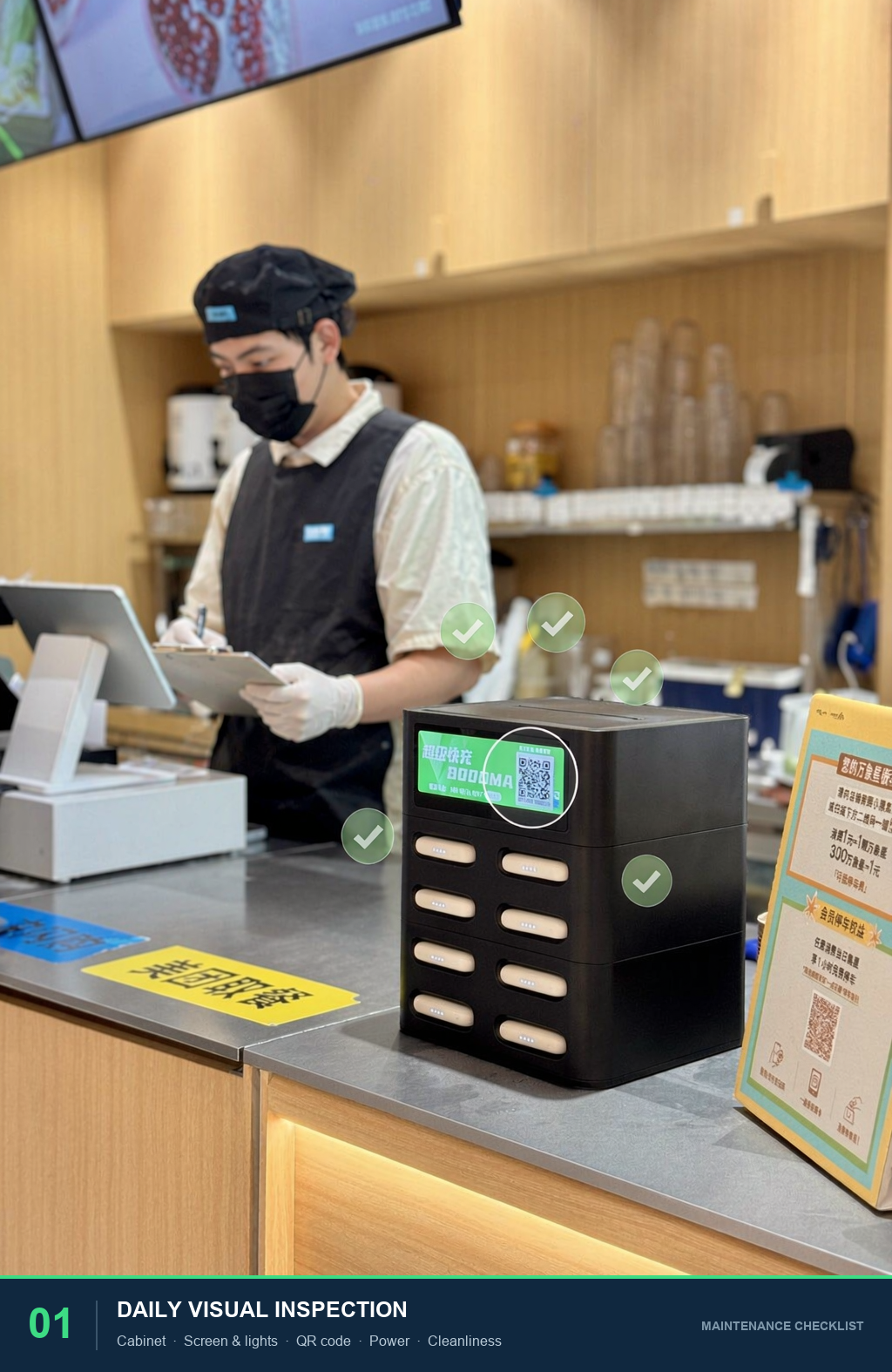
Check the cabinet for visible damage, cracks, or loose components.
Make sure the screen and indicator lights work properly.
Confirm that the power supply is connected.
Ensure the QR code is clearly visible and easy to scan.
Keep the station clean and free from dust or foreign objects.
Check that power banks are properly inserted into their slots.
For stations installed in busy public locations, regular visual inspections are particularly important.
2. Check Slots and Charging Connectors
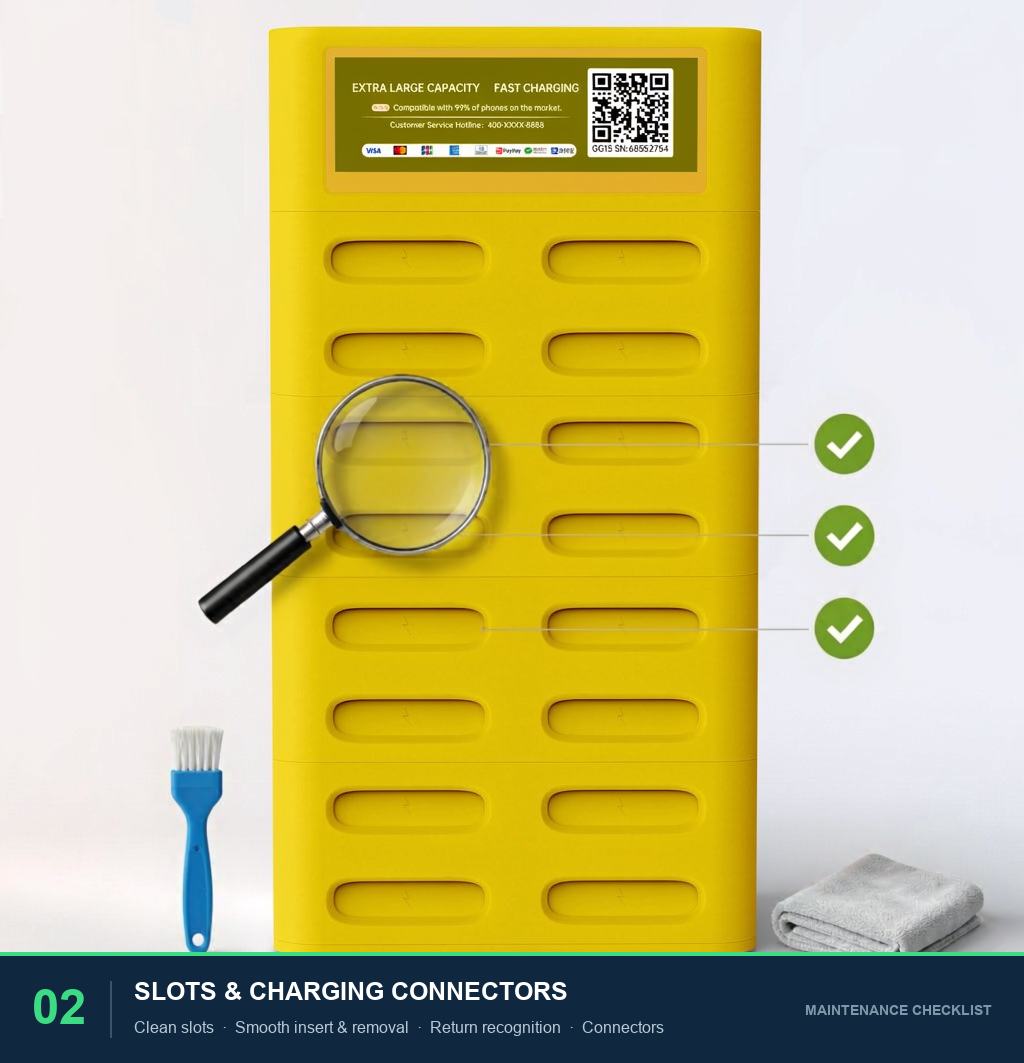
Slots are among the most frequently used components of a rental station. Repeated insertion and removal of power banks may cause wear or connection problems over time.
Operators should regularly check:
Whether each slot is clean and free from foreign objects.
Whether power banks can be inserted and removed smoothly.
Whether the station correctly recognizes returned power banks.
Whether accessible connectors show signs of damage.
Whether any slots repeatedly experience rental or return failures.
If a power bank cannot be returned properly, check the corresponding slot and power bank before arranging technical support.
Maintenance tip: Never force a power bank into a slot. Clean accessible areas according to the manufacturer's instructions, and avoid spraying liquids directly into connectors.
3. Monitor Power Supply and Network Connectivity
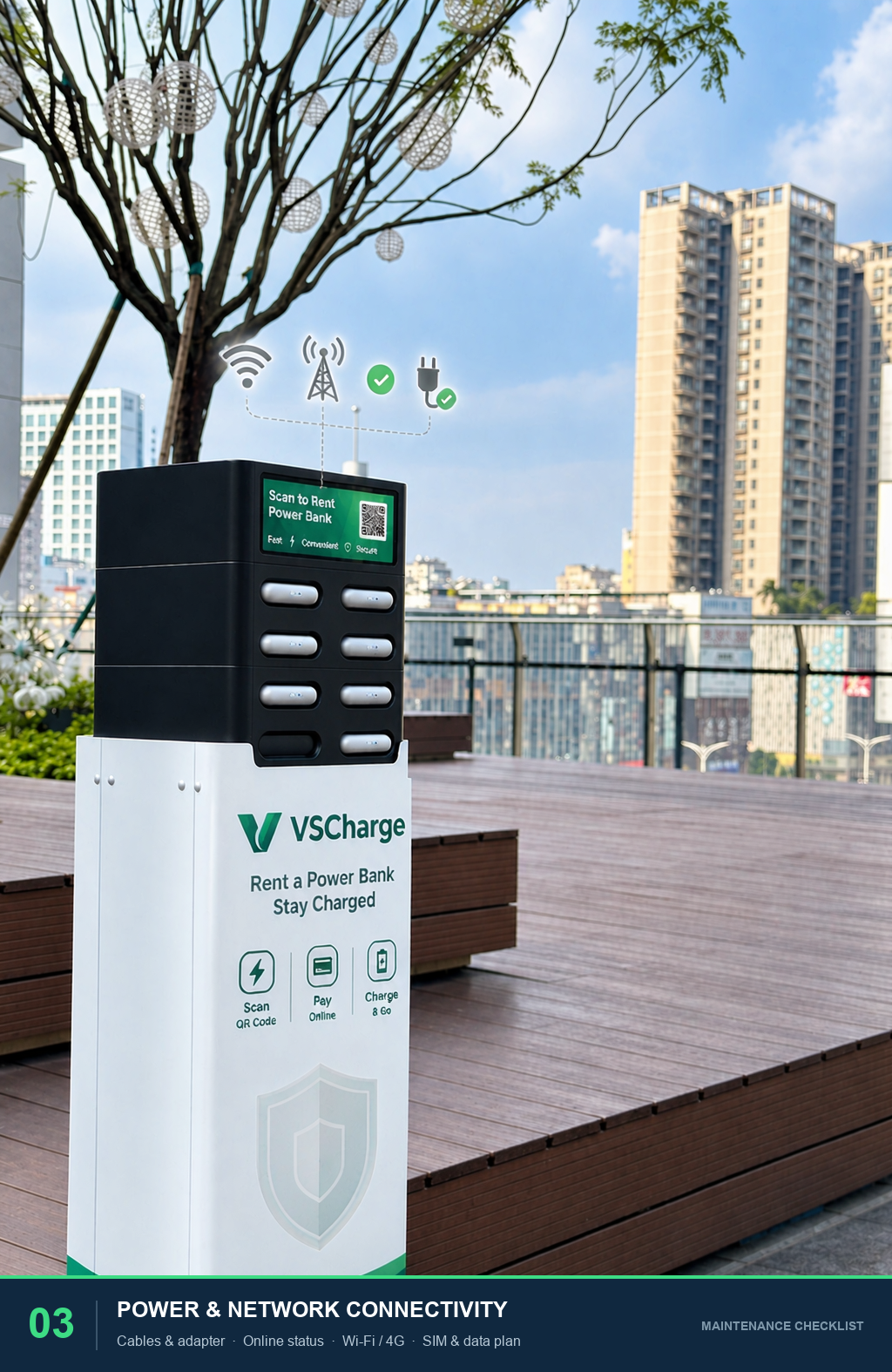
A rental station requires a stable power supply and network connection to operate properly.
Power supply checks:
Make sure the power adapter and cables are securely connected.
Check for damaged cables or connectors.
Investigate unexpected shutdowns or power interruptions.
Stop using equipment if unusual heating or electrical problems occur.
Network connectivity checks:
Network communication is essential for rental commands, return records, and equipment status updates.
Operators should:
Check whether the station is online in the management platform.
Confirm that the Wi-Fi or 4G connection is stable.
For 4G models, check the SIM card and available data plan.
Investigate stations that frequently disconnect from the network.
VOLINKS screen-equipped stations support Wi-Fi and 4G connectivity, while network configurations for non-screen models depend on the selected hardware.
It is important to remember that an offline station cannot process new rentals normally. Therefore, operators should investigate network problems as soon as they are identified.
4. Check Power Bank Battery Condition
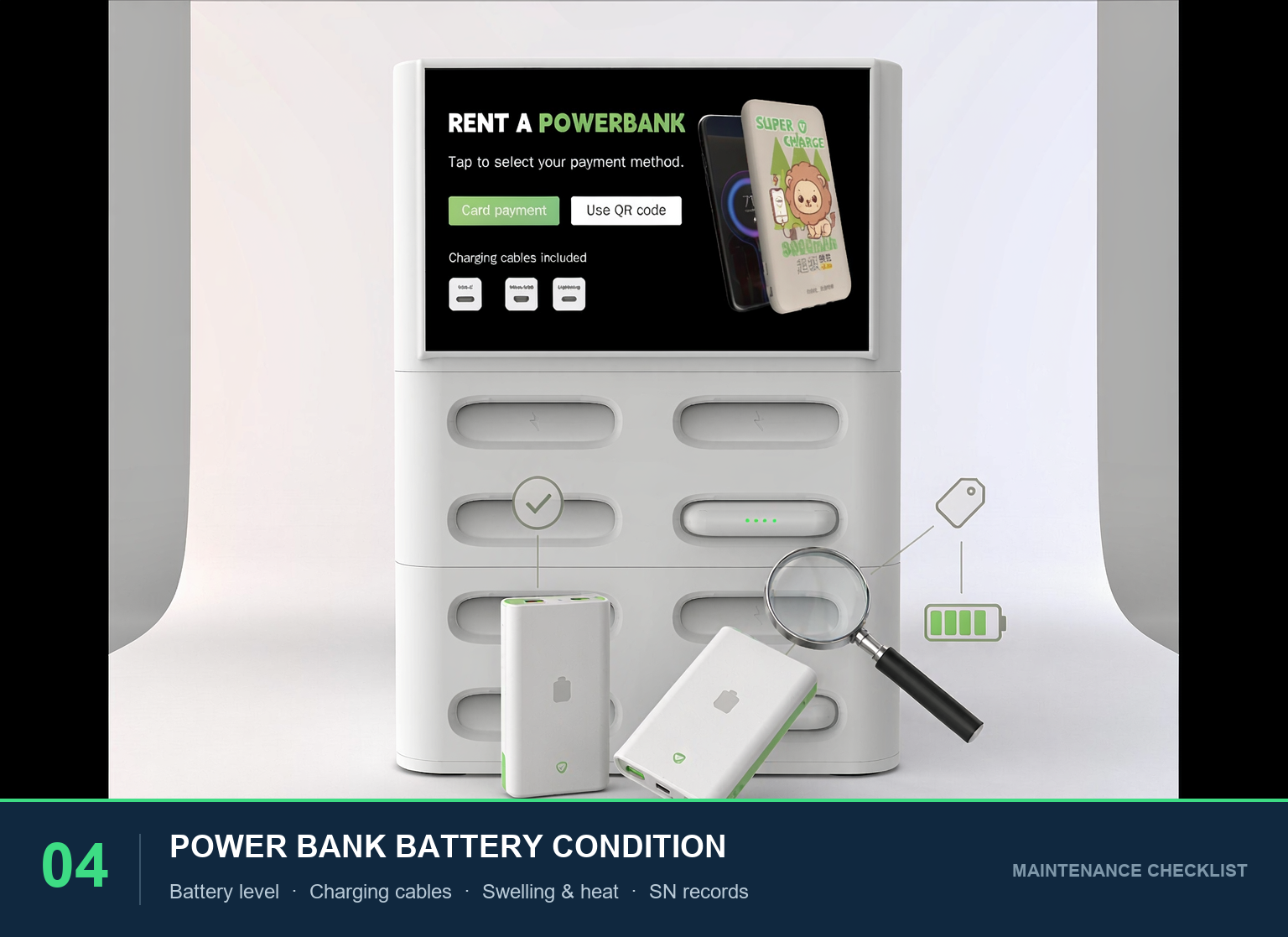
Power banks are the core rental assets of a shared charging business. Their condition directly affects service quality and customer satisfaction.
Regular battery and physical inspections can help operators identify units that need attention.
Battery condition checklist:
Monitor battery percentage when power banks are rented and returned.
Check whether returned power banks charge properly inside the station.
Identify units that repeatedly have low battery levels.
Inspect built-in charging cables and connectors.
Check for cracks, deformation, swelling, or unusual heating.
Power banks showing swelling, leakage, or abnormal heating should be removed from service immediately.
Operators should also keep records of individual power banks using their unique serial numbers (SNs). This makes it easier to identify problematic units and manage replacements.
Important: Battery percentage monitoring does not replace professional battery health testing. Power banks showing repeated performance problems should be inspected or replaced when necessary.
5. Follow a Regular Maintenance Schedule
In addition to daily inspections, operators should establish a regular maintenance routine.
The following checklist provides a practical starting point:
| Frequency | Maintenance tasks |
|---|---|
| Daily | Check appearance, power supply, online status, and available power banks |
| Weekly | Clean accessible surfaces and inspect slots and connectors |
| Monthly | Review equipment records and identify recurring problems |
| As needed | Investigate offline stations, charging failures, and damaged components |
The actual maintenance frequency should be adjusted according to the installation environment, rental frequency, and manufacturer's recommendations.
Common Problems and Troubleshooting
| Common problem | Possible cause | Recommended action |
|---|---|---|
| Station is offline | Network interruption or SIM card issue | Check the internet connection and SIM card |
| Power bank cannot be released | Slot or communication issue | Check the slot and rental records |
| Power bank cannot be returned | Slot obstruction or recognition failure | Inspect the slot and power bank connector |
| Power bank does not charge | Connection or battery issue | Check the charging slot and power bank |
| Screen does not work | Power or display issue | Check the power supply and contact technical support |
When reporting a problem, operators should provide the station ID, slot number, power bank SN, and a description of the issue. This information helps technical teams identify problems more efficiently.
6. How Rental Management Software Helps with Maintenance
When a business operates only a few stations, manual inspections may be sufficient. However, managing dozens or hundreds of stations across different locations requires a more systematic approach.
A rental management platform can help operators:
Manage stations: View station information and equipment status.
Track power banks: Check individual power bank records and battery information.
Review rental and return records: Identify unusual transactions or recurring issues.
Monitor operations: Review equipment and rental information across multiple locations.
Generate reports: Understand station performance and identify equipment requiring attention.
VOLINKS provides hardware and software solutions for shared power bank rental businesses, including station management, power bank management, rental records, and operational reports.
Combining software management with regular physical inspections helps operators manage their equipment more efficiently as their business grows.
Conclusion
Regular maintenance is essential for keeping shared power bank rental stations reliable and available to customers.
From daily visual inspections and slot checks to network monitoring and battery condition assessments, every maintenance task contributes to a more stable rental operation.
For businesses planning to launch or expand a shared power bank rental network, choosing reliable hardware and suitable management software from the beginning can also simplify long-term equipment management.
At VOLINKS, we provide shared power bank rental stations, power banks, software solutions, and OEM/ODM customization to support businesses worldwide.
Looking for reliable shared power bank rental equipment for your business? Contact VOLINKS to discuss your project requirements.


